Gemini app now lets users preview and edit Docs, PDFs, Sheets and slide decks inside the chat
Google said on 29 October 2026 that the Gemini app can now generate, preview and edit PDFs, Docs, Sheets, slides and code in the chat, for all users.
By Berkant A.Published
 Tech AI Latest
Google announced on 29 October 2026 that the Gemini app can now generate, preview and edit files without leaving the chat. Users can open a file full screen and type changes, highlight text to ask questions, or ask Gemini to revise it. PDFs work on the web and on mobile; Google Docs, Google Sheets, slide decks, Markdown, TXT and code work on the web only. Google says the feature is available to all users in every language the app supports.
Key facts
- Announced: 29 October 2026 (Google Keyword blog)
- File types: PDFs, Google Docs, Google Sheets, slide decks, Markdown, TXT and code
- Platforms: PDF preview and editing on web and mobile; all other formats on the web only
- Editing modes: full-screen manual editing, highlight to ask questions, or ask Gemini to refine the file
- Availability: all users in all languages where the Gemini app is available, according to Google
- Plan restrictions, file size limits and usage caps: not stated in the announcement
What Google announced
Google said in a post on its Keyword blog on 29 October 2026 that the Gemini app can now generate, preview and edit documents, PDFs, presentations, spreadsheets, code and other files directly in a chat. A file Gemini produces no longer has to be downloaded or opened in another app before it can be changed.
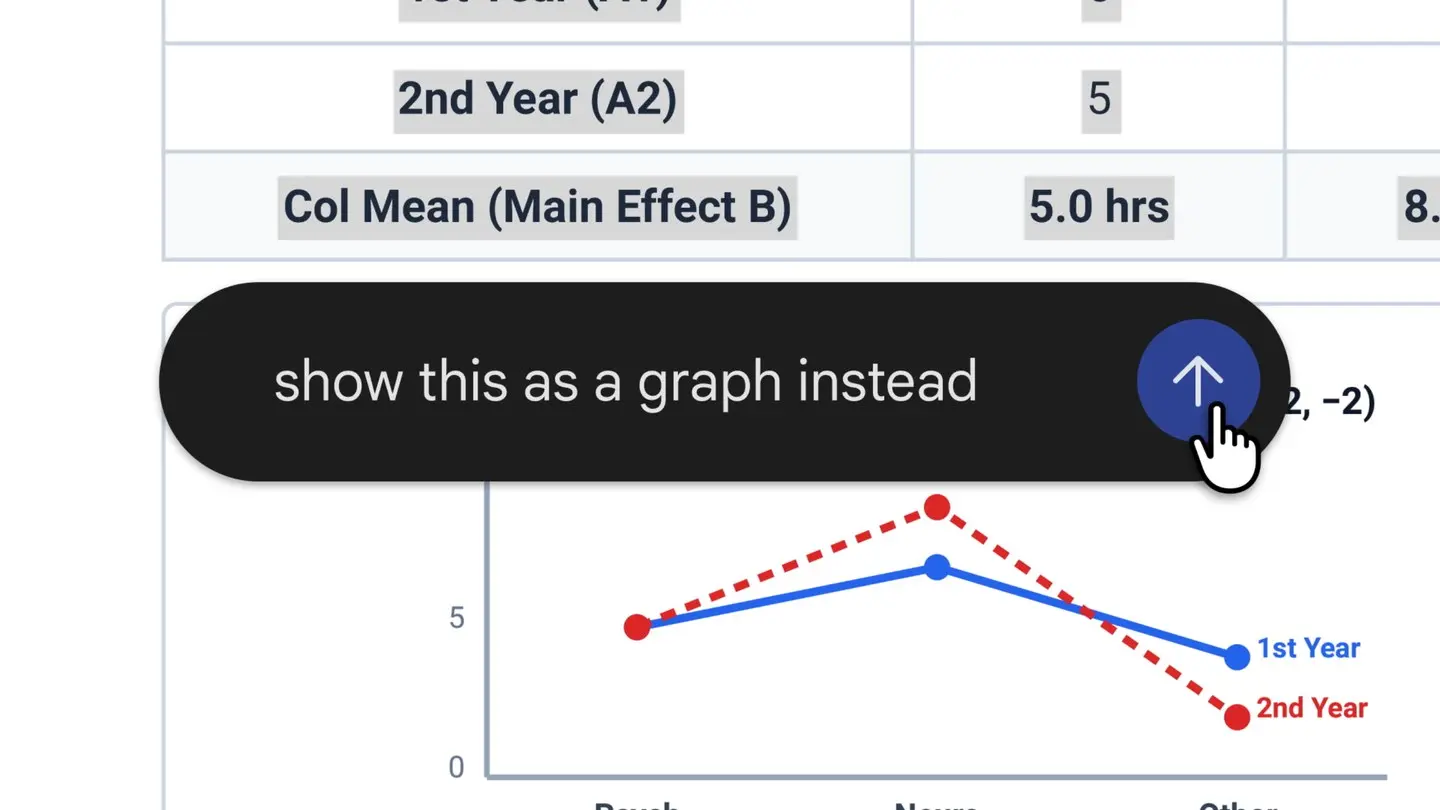
Google lists three ways to work on a file. Users can expand it to full screen and type edits themselves, highlight a passage to ask a question about it, or ask Gemini to refine the file. The example in the post starts from uploaded handwritten lecture notes: Gemini turns them into a PDF study guide, and the user then edits it by hand, highlights sections for Gemini to rewrite text or visuals, and asks follow-up questions. The announcement image shows a highlighted table with the prompt to show it as a graph instead.
Which formats and platforms are covered
Support is split by platform. PDF preview and editing works on both the web and the mobile apps. The other formats, which Google names as Google Docs, Google Sheets, slide decks, Markdown files, TXT files and code, are supported on the web only for now.
Google says the capabilities are available to all users in all languages where the Gemini app is offered. The post does not say whether free users and paying Google AI subscribers get different limits, how large a file can be, or whether edits made in the chat sync back to a file that already lives in Google Drive. The Verge, which reported the change the same day, notes that Google added file generation and download to Gemini earlier this year, so this update closes the loop between creating a file and changing it.
Why it matters
Until now, refining a generated file in Gemini meant either asking for a full regeneration or moving the file into Docs, Sheets or a PDF editor. Highlight-to-edit lets a user point at one table or paragraph and change only that part, which is the way people already work with collaborators in a shared document. It also brings the standalone Gemini app closer to the Gemini side panel that Workspace customers already have inside Google Docs.
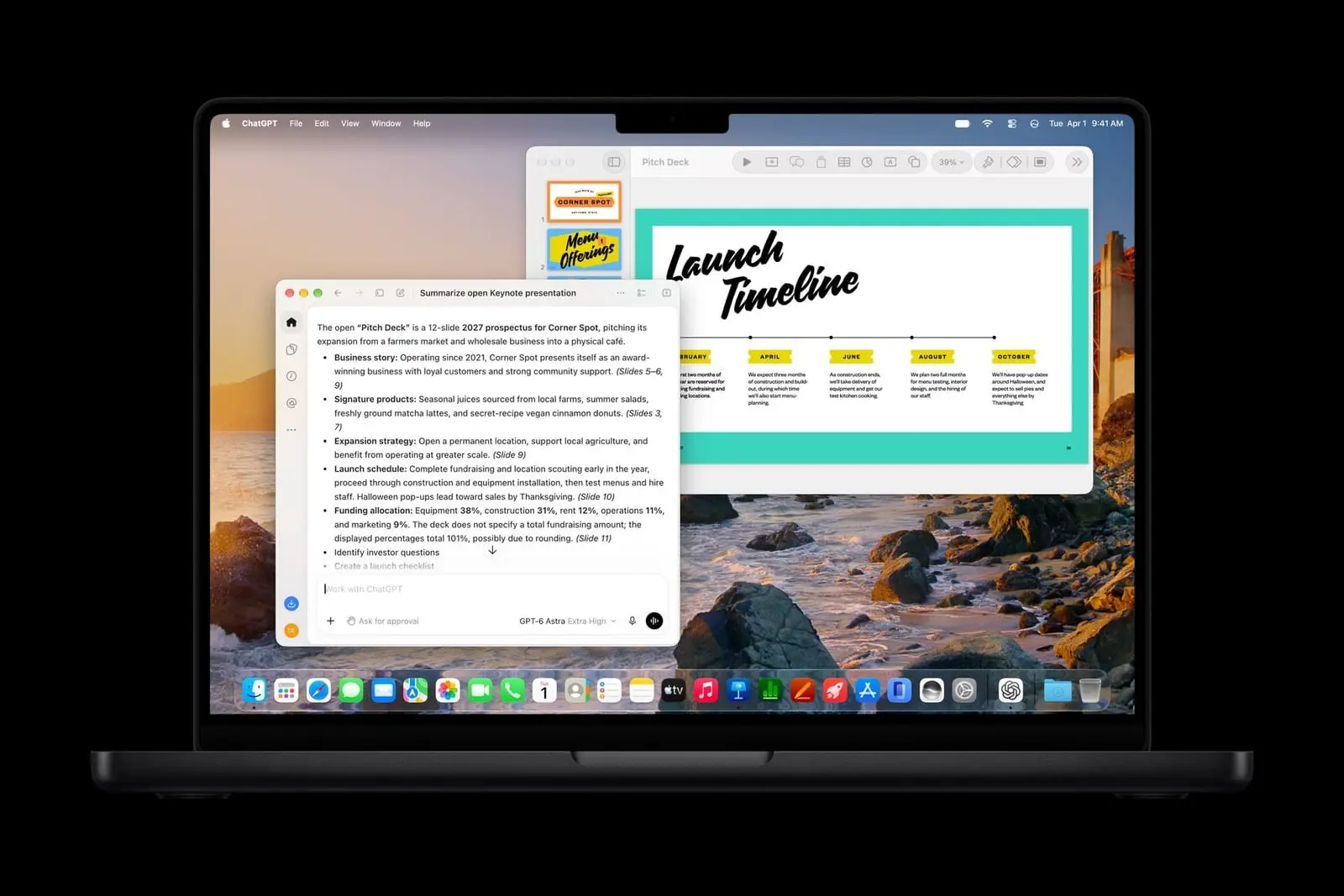
The update follows similar moves by other assistants. OpenAI added a Slides feature to ChatGPT for paid business plans, covered in our ChatGPT Slides story, and The Verge points out that Anthropic launched document and presentation editing in Claude chats earlier this year. Google's version is notable for reaching all users at once rather than a paid tier. More assistant updates are collected under AI Tools & Apps.
What to watch next
The open questions are mobile support for Docs, Sheets and slide decks, which Google does not date, and whether in-chat edits can be saved straight back to Drive files. Usage limits per plan are also not stated in the announcement, so heavy users on the free tier may find caps that the post does not describe. Google's Gemini release notes are the place where such changes usually appear first.
What changed
| Before | Gemini could generate and download files, but changing them meant regenerating the file or editing it in another app |
|---|---|
| After | Users can preview, hand-edit, highlight and ask Gemini to revise PDFs on web and mobile, and Docs, Sheets, slide decks, Markdown, TXT and code on the web |
| Who it affects | All Gemini app users, students and office workers who draft documents, spreadsheets and presentations with an assistant |
Questions people ask
- Which files can I edit inside a Gemini chat?
- Google lists PDFs, Google Docs, Google Sheets, slide decks, Markdown files, TXT files and code. PDFs work on web and mobile; the rest work on the web only.
- Do I need a paid plan to edit files in the Gemini app?
- Google says the feature is available to all users in all languages where the Gemini app is available. Plan-specific limits are not stated in the announcement.
- How do I ask Gemini to change part of a file?
- Highlight the text or element in the file and ask Gemini a question or request a change, or expand the file to full screen and type the edit yourself.
Sources
- You can now generate, preview, and edit documents, PDFs, presentations, spreadsheets, and more directly in Gemini (Google, 29 Oct 2026)
- You can generate and edit Google Docs files directly in Gemini chats now (The Verge, 29 Oct 2026)
Reference pages
- Google company
- Gemini app tool
Spotted an error? See the corrections policy and tell the editor. Facts in this story come from the sources listed above; vendor claims are attributed.
Comments
Loading comments.